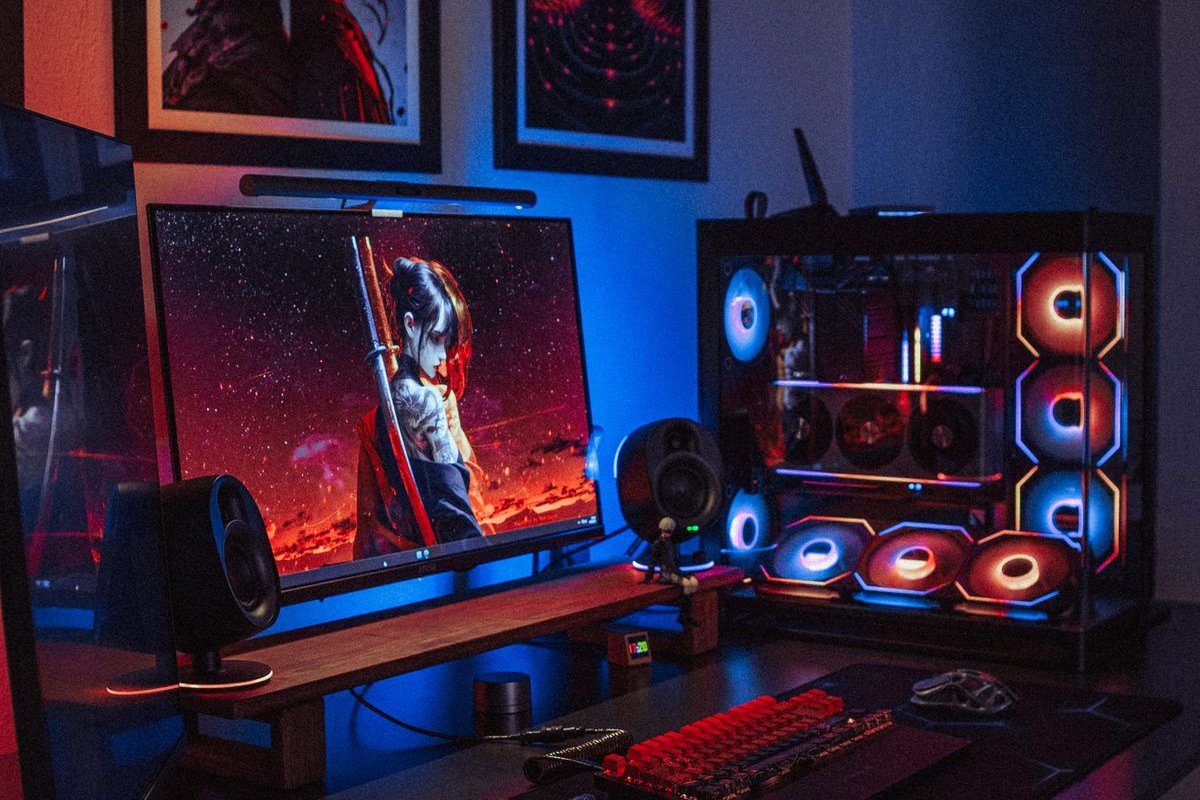
You don’t need a spare room to have a gaming setup that feels like one. Most great setups live in a bedroom corner, a living-room alcove or half of a home-office desk — what separates a “setup” from a pile of gear is organization: cables hidden, controllers docked, the console breathing, and every accessory with a home.
With the biggest game launches in years coming up, a lot of players are upgrading their corner right now. Here are 14 small gaming setup ideas that work in real, tiny spaces — most cost under $30, and almost all of them are renter-friendly.
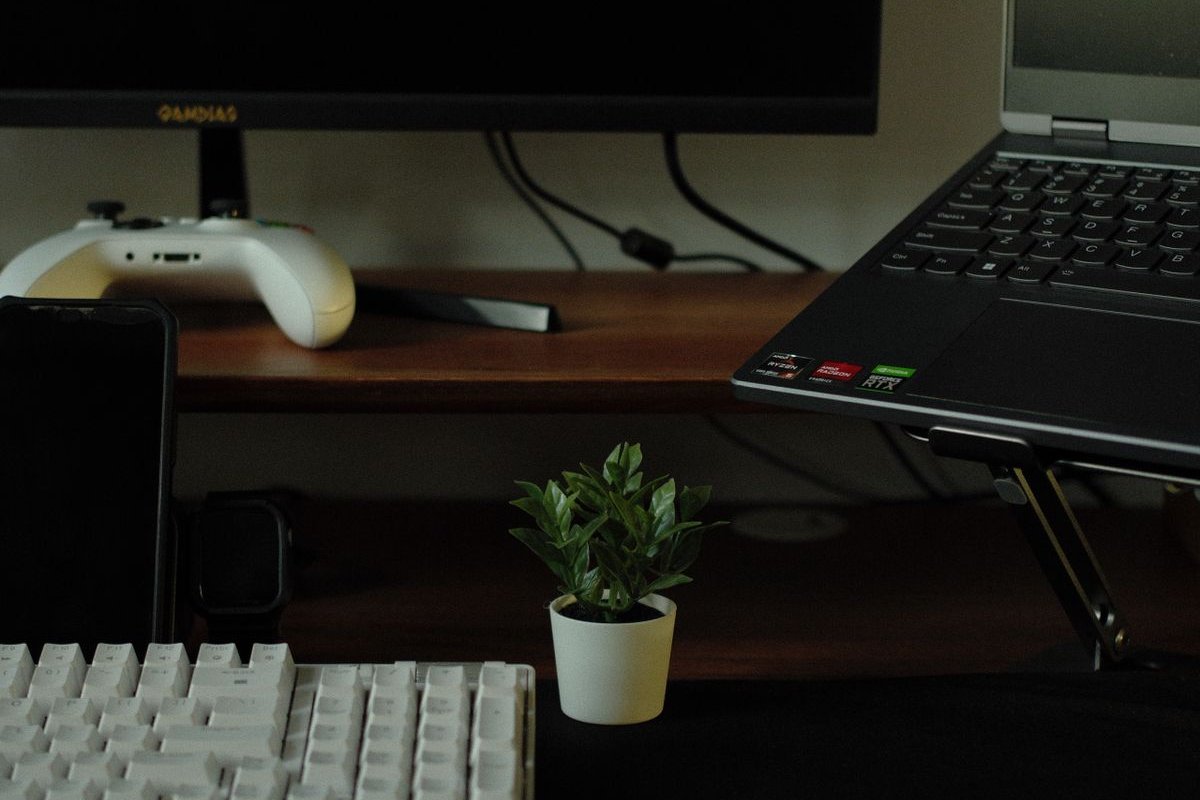
1. Start With a Cable Management Box Under the Desk
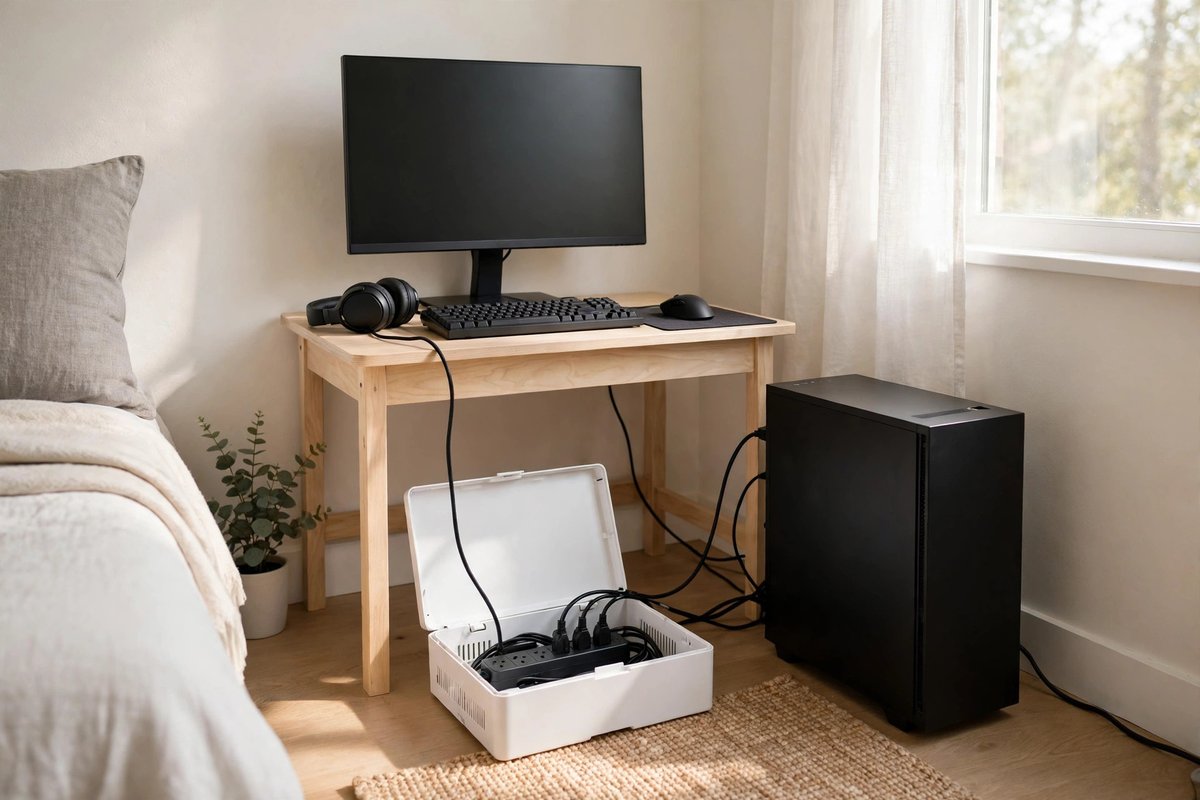
The single biggest visual upgrade for any small gaming setup is hiding the power strip. A cable management box ($12–$18) sits on the floor or the desk’s back edge and swallows the strip, the charger bricks and the slack from every cord. Run each cable into the box, and the spaghetti behind your desk simply disappears.
2. Add an Under-Desk Cable Tray for the Rest
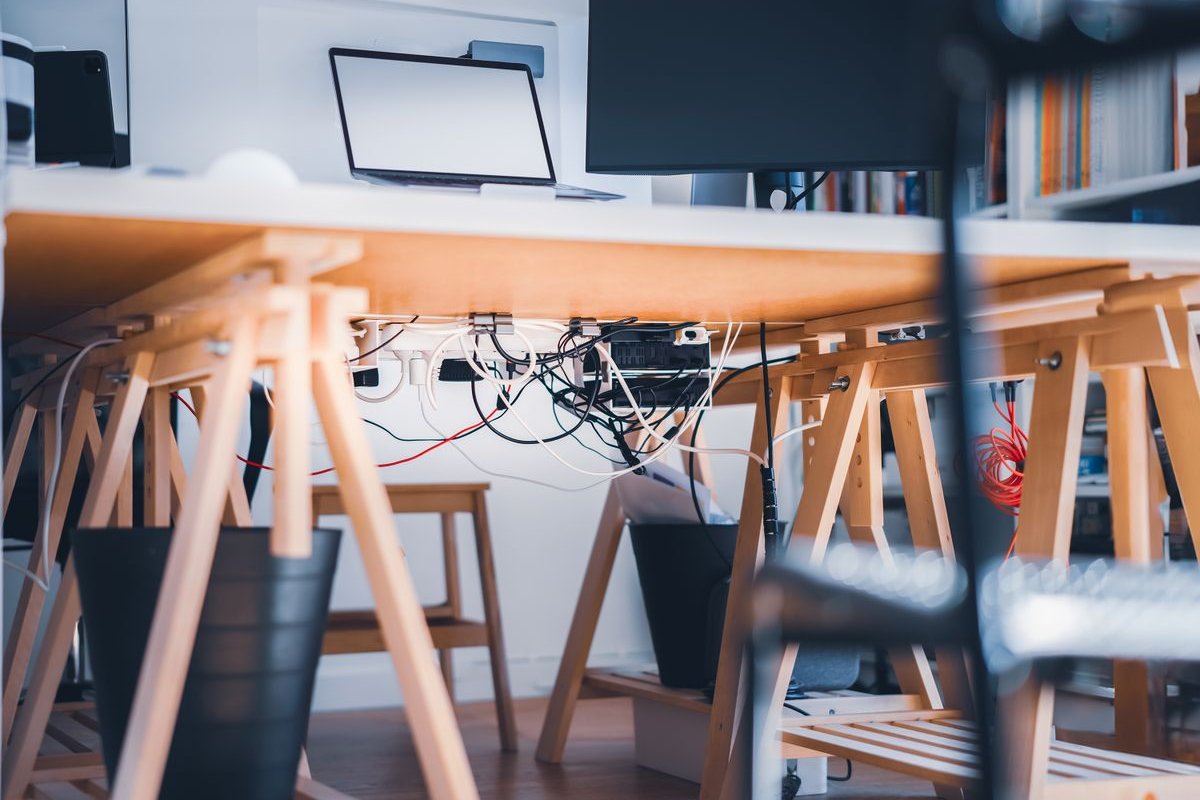
For cables that can’t reach the box — monitor power, HDMI, the desk lamp — a screw-in or clamp-on under-desk cable tray ($15–$25) keeps them off the floor and out of sight. Clamp-on versions need no drilling, which makes them perfect for renters and for desks you might replace later.
3. Dock Your Controllers in One Charging Station
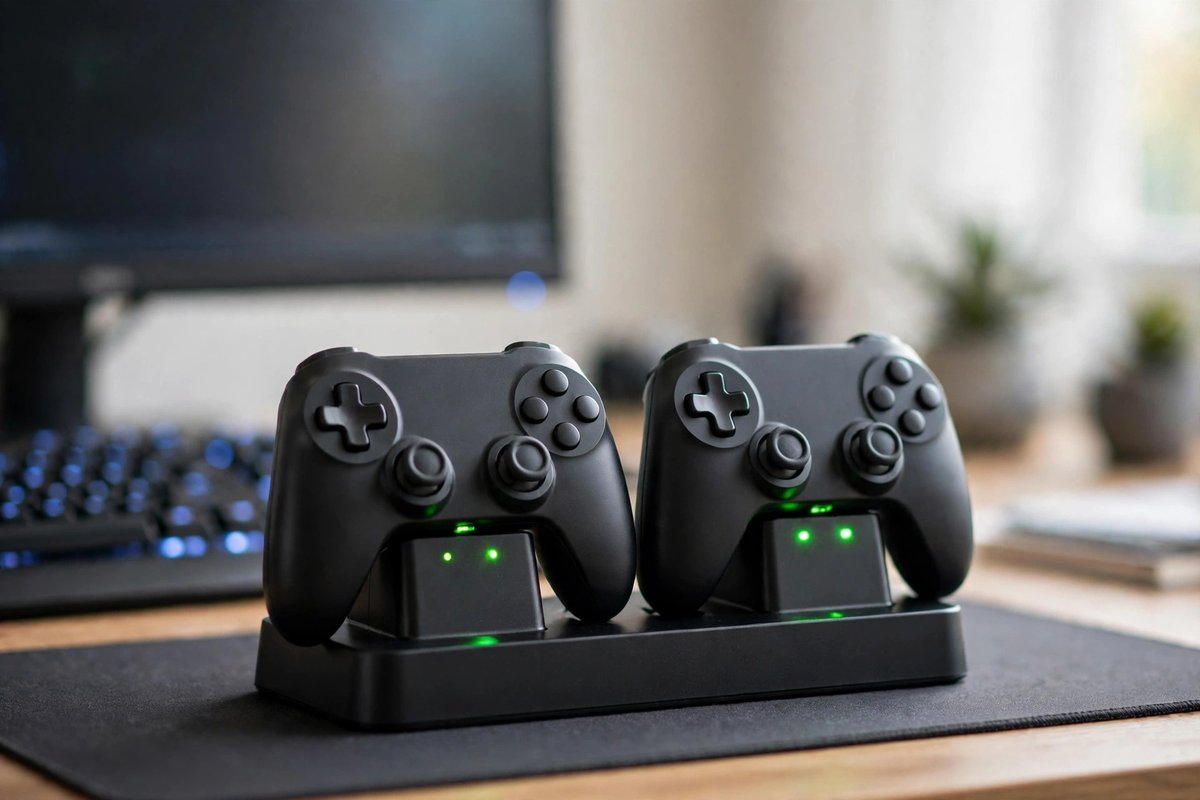
Controllers scattered across a desk make even a clean setup look messy. A dual charging dock ($20–$30) gives two controllers one permanent home, keeps them charged, and frees up the USB ports they used to hog. Wall-mounted controller holders ($10–$14 for a pack) work too if desk space is truly zero.
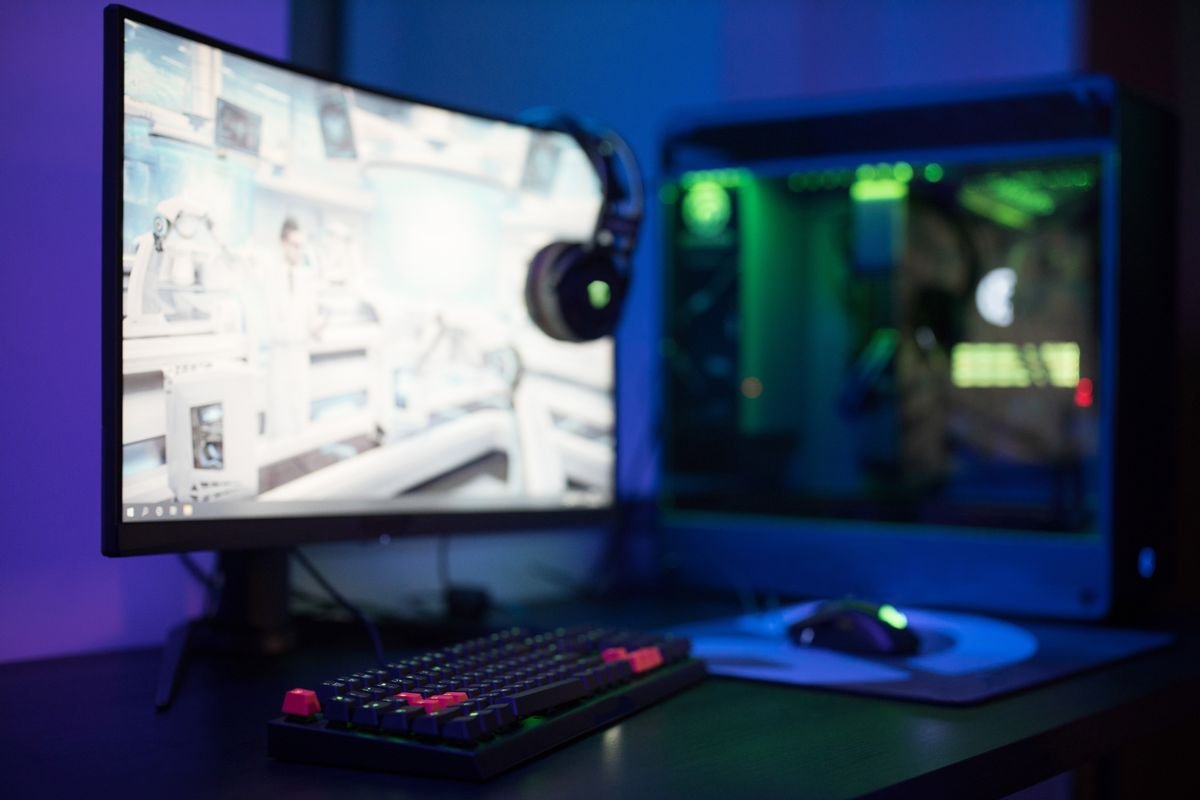
4. Hang Your Headset on a Hook, Not the Monitor
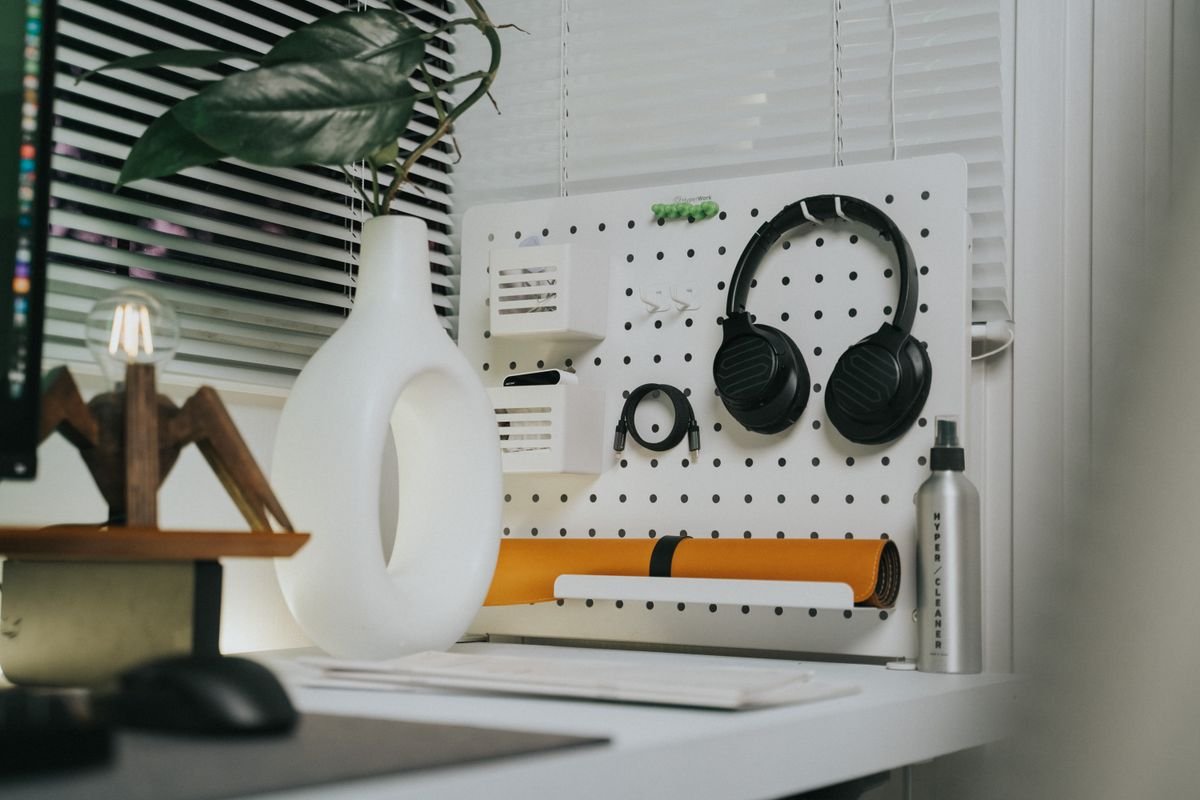
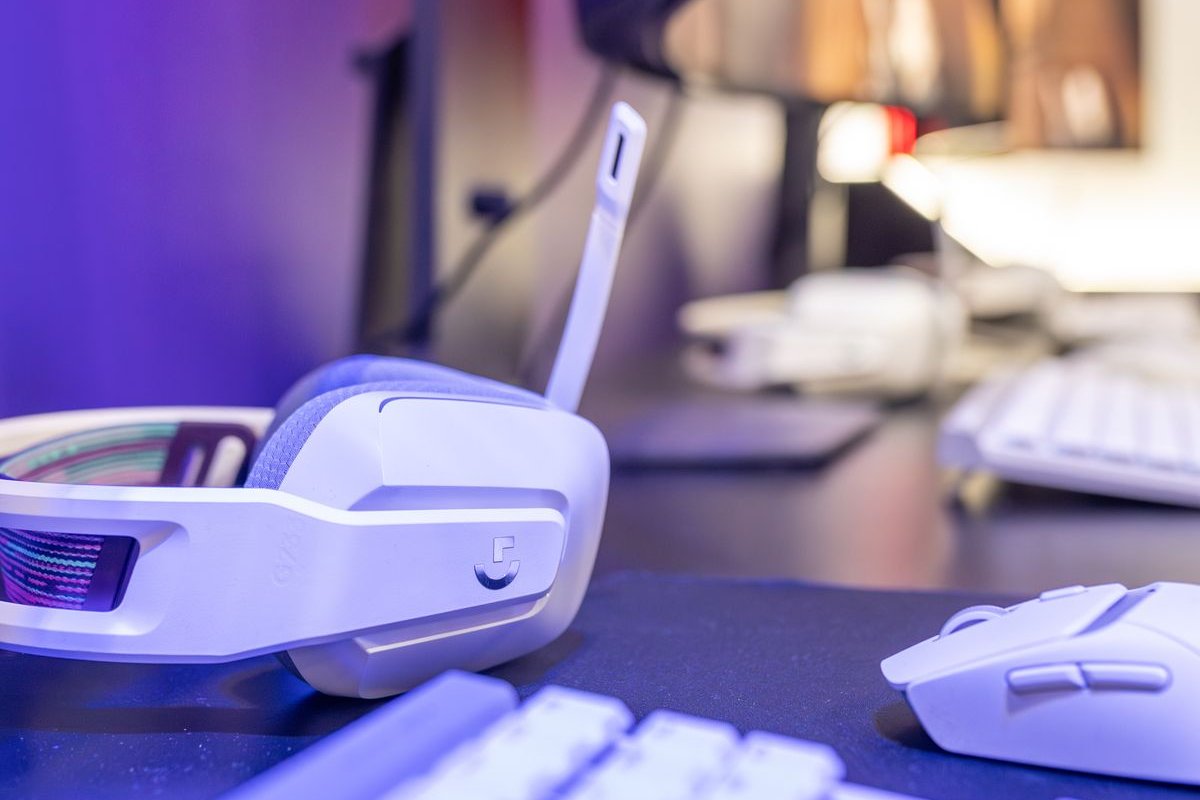
Balancing a headset on the monitor is how headbands crack. A clamp-on headset hook under the desk edge ($8–$12) or a simple stand ($12–$20) gives it a parking spot that is out of the way but always within reach — and it instantly makes the desk look intentional.
5. Use a Monitor Riser With Storage Underneath
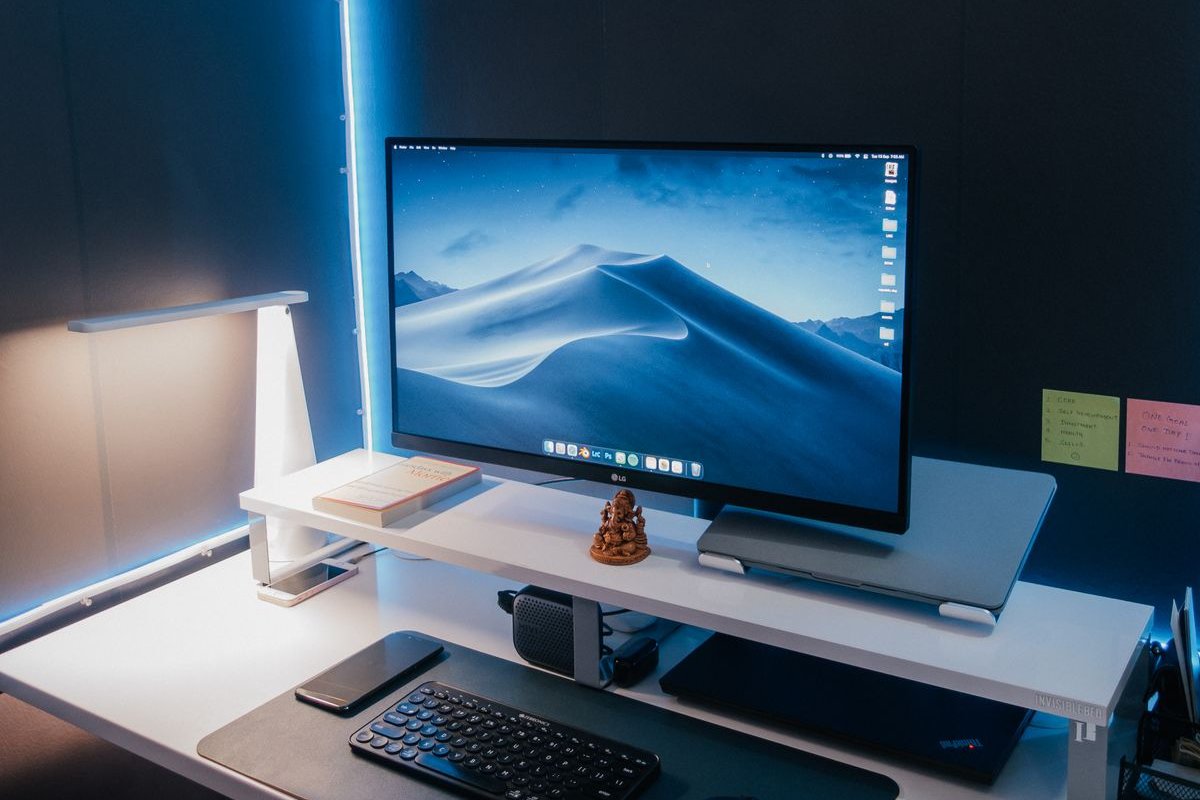
A monitor or laptop riser ($25–$40) does three jobs at once: it lifts the screen to eye level (your neck will notice), it creates a storage tunnel underneath for a keyboard or notebook, and it gives a small desk a second “floor.” Bamboo and metal versions both work; measure the tunnel height against your keyboard before buying.
6. Put a Pegboard on the Wall Behind the Desk
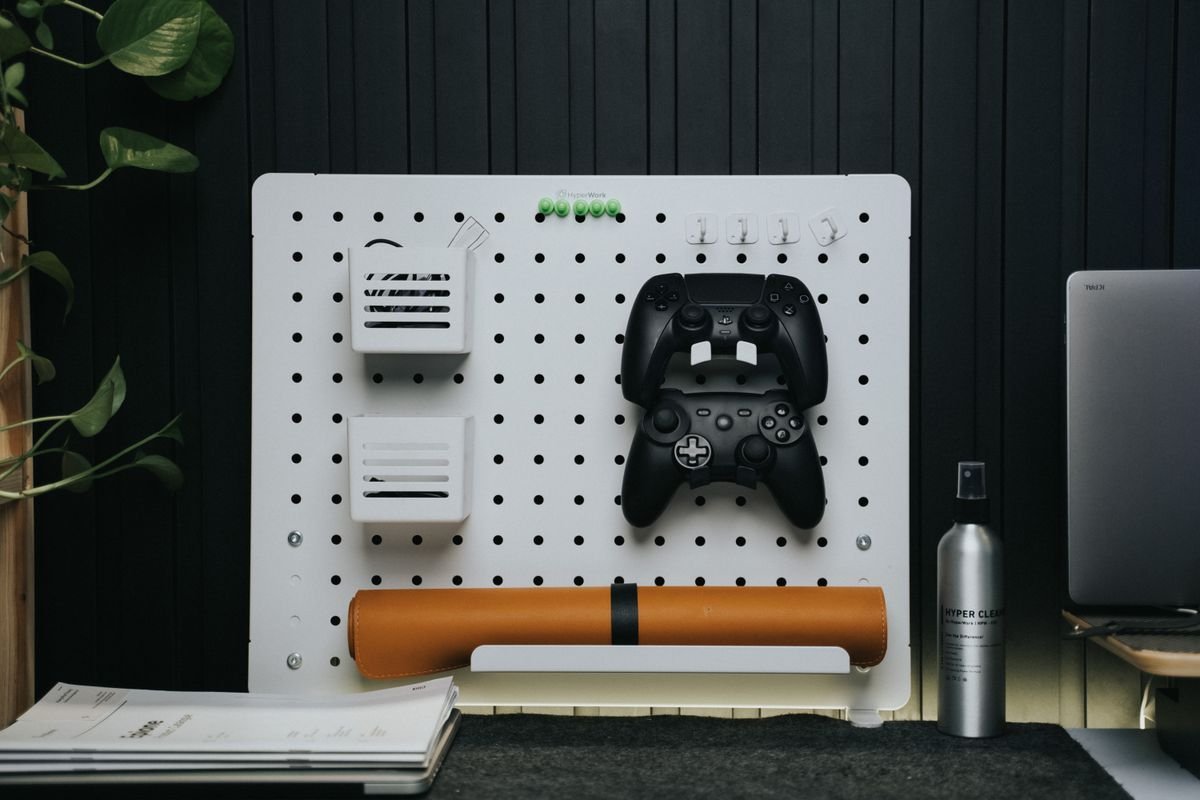
When the desk runs out, go vertical. A small pegboard panel ($15–$30) behind the setup holds headphones, spare controllers, cable coils and even game cases on hooks and mini shelves. It is the classic small-space trick — the same one we use in our vertical storage ideas for the rest of the home — and it turns dead wall into your most useful storage.
7. Stand the Console Upright — and Give It Air
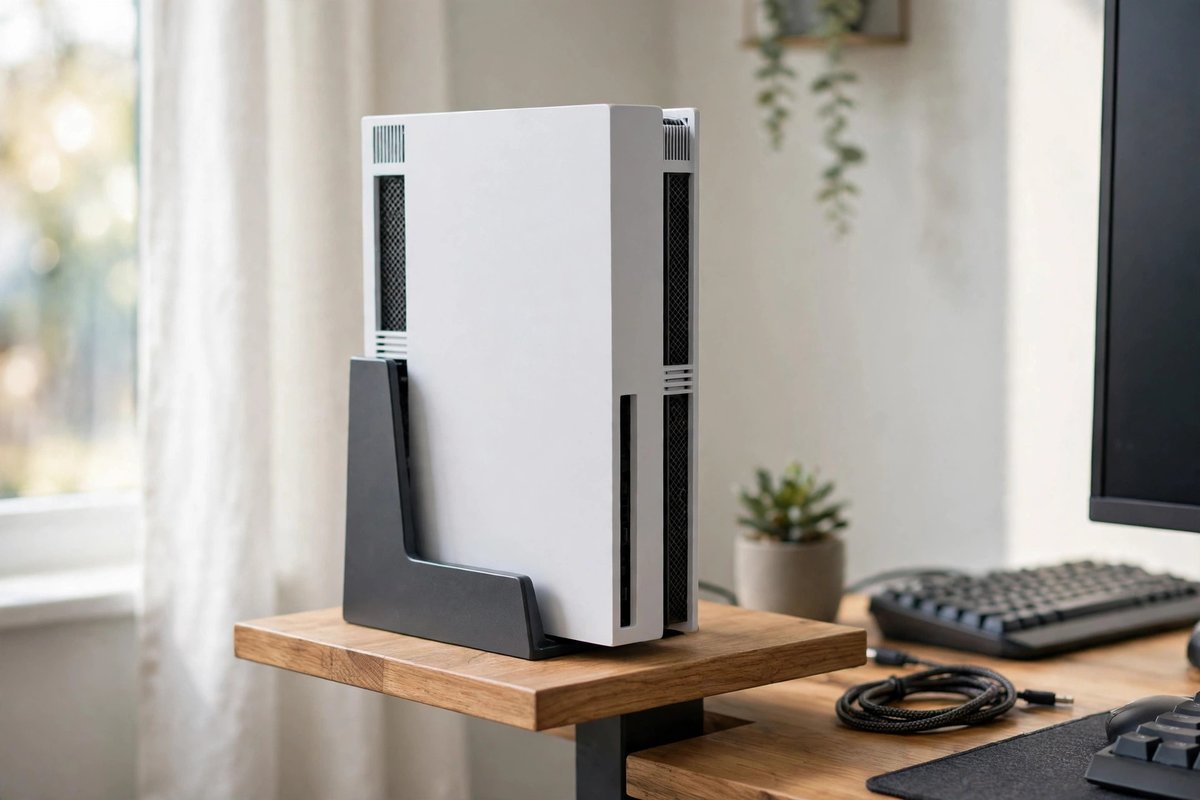
Consoles tucked into closed TV cabinets overheat and get loud. If your console supports it, a vertical stand ($12–$20) halves its footprint on a small desk or shelf. Whichever way it sits, leave at least 4 inches of open space around the vents, and never stack anything on top of it.
8. Corral Games and Accessories in One Labeled Bin
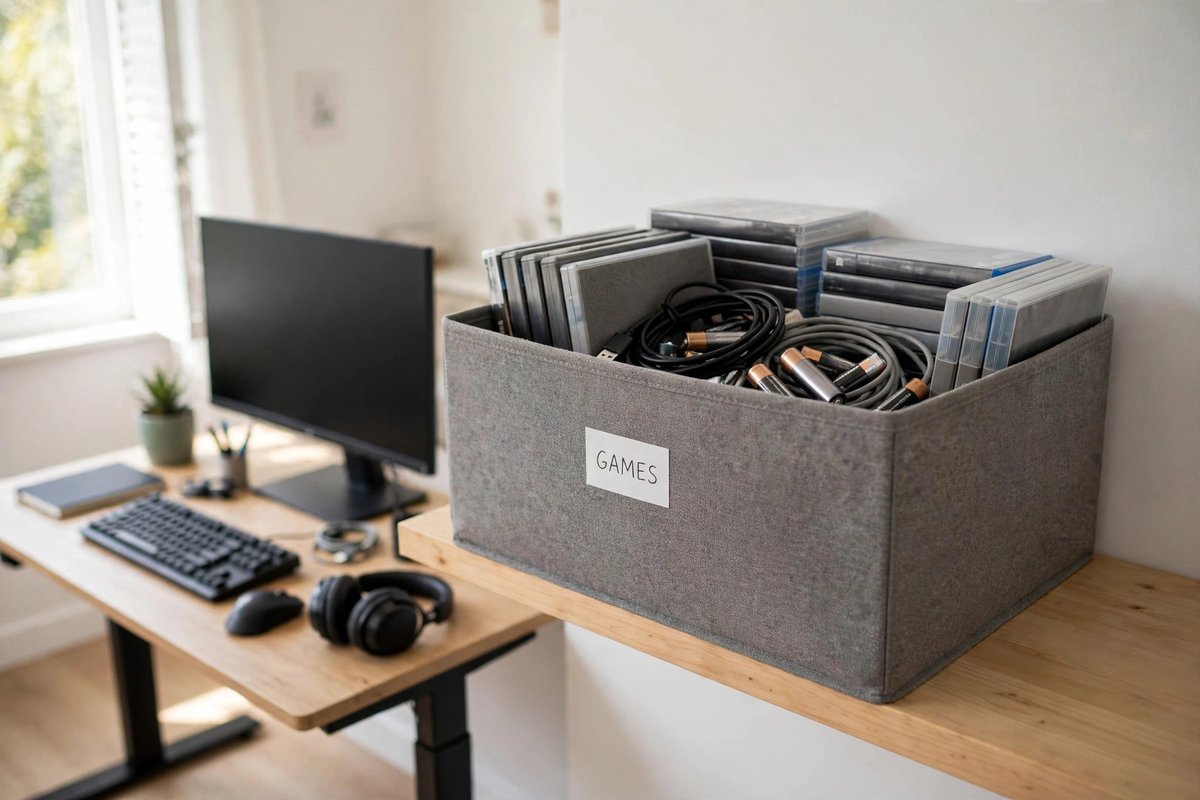
Game cases, spare cables, batteries and adapters breed clutter because they live in five places. Give them one open-top bin or fabric cube ($8–$15) on a shelf near the setup, labeled by type. When everything has one home, tidying the setup takes two minutes instead of twenty.
9. Add Floating Shelves Above the Desk
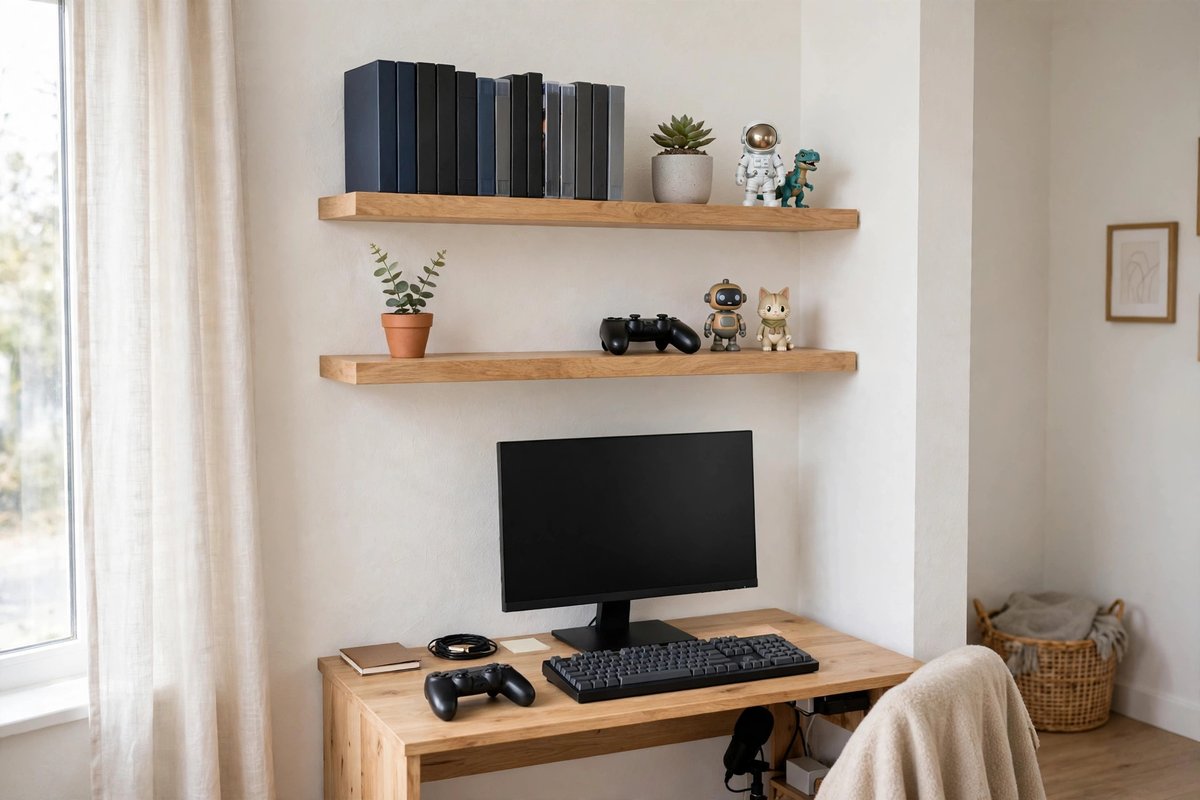
Two floating shelves ($20–$35 for a pair) above the desk hold the console’s games, a small plant, collectibles or a second controller — and they make a corner feel like a designed gaming zone instead of a desk that happens to have a console on it. Keep the heaviest items on the lower shelf and check your wall anchors’ weight rating.
10. Hide the Router and Modem in a Ventilated Box
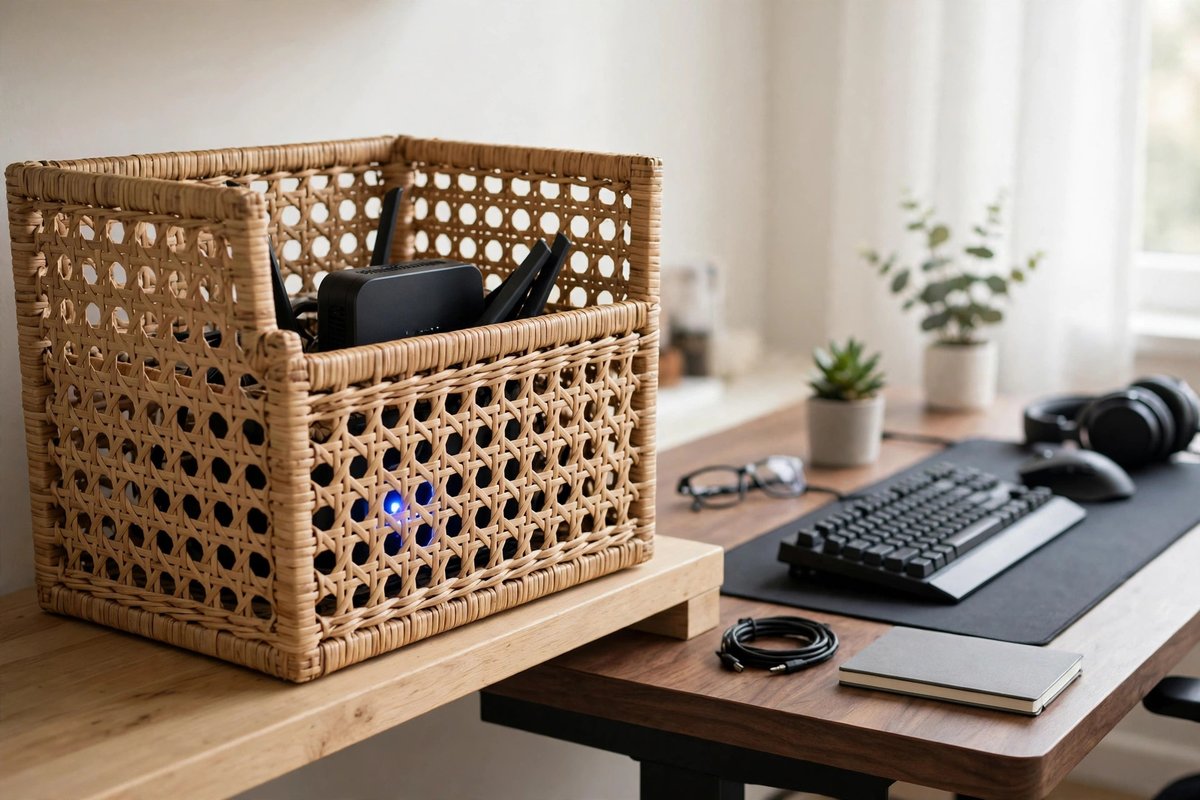
Routers are ugly, blink all night, and somehow always sit in the middle of the setup. A ventilated router box or a simple open-back basket ($12–$18) hides the blinking while keeping the airflow the hardware needs. Just never seal it in a closed box — heat is the enemy (see What to Avoid).
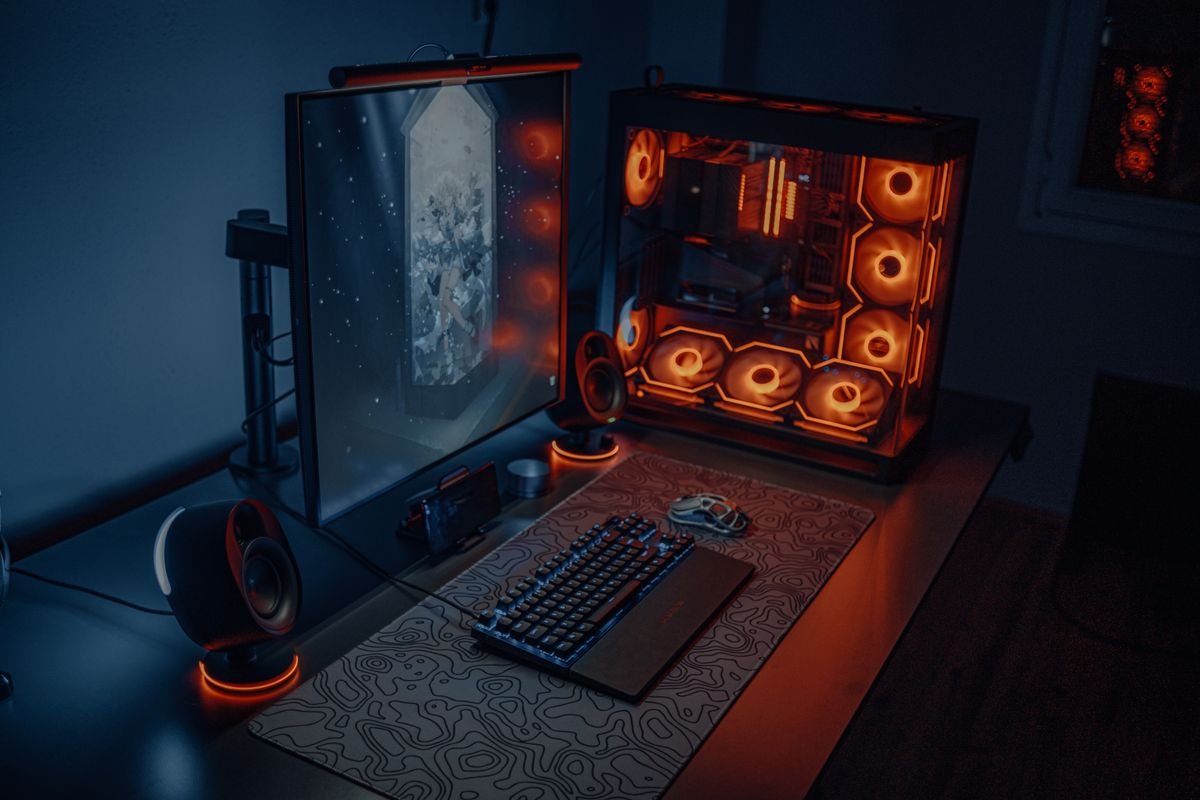
11. Stick LED Strips Behind the Monitor and Desk Edge
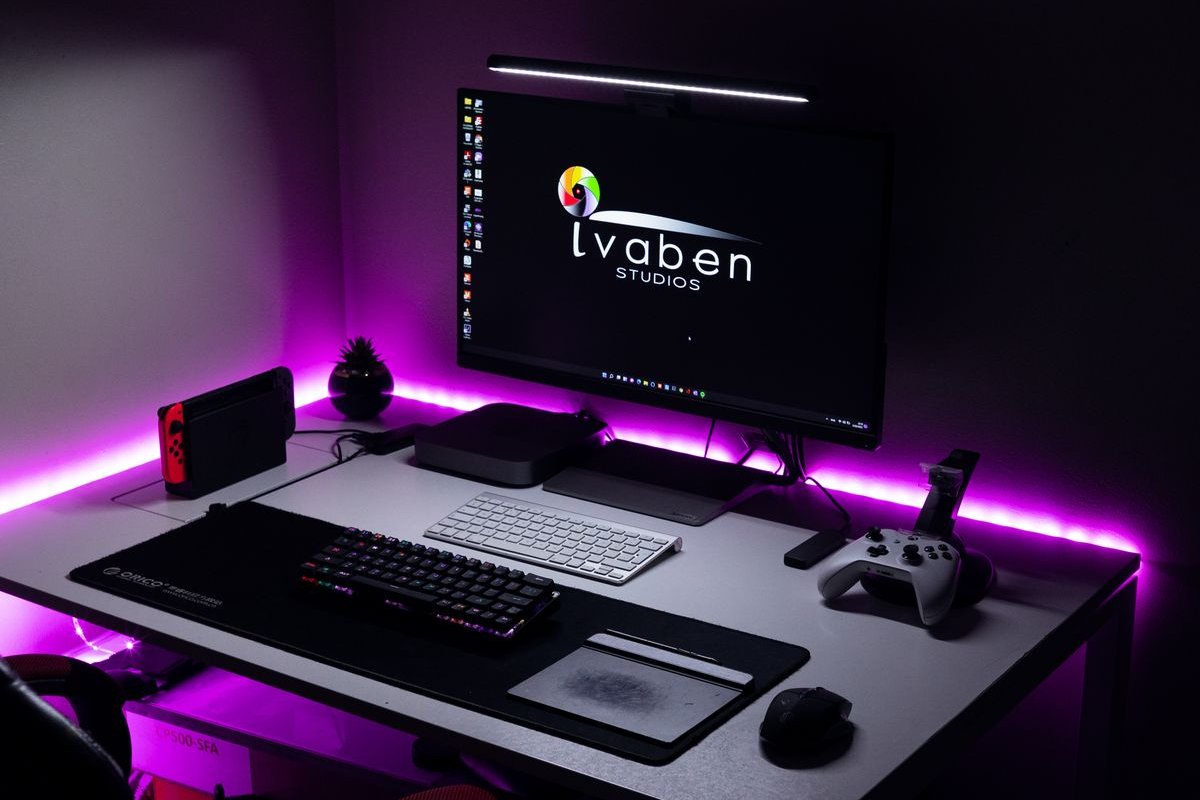
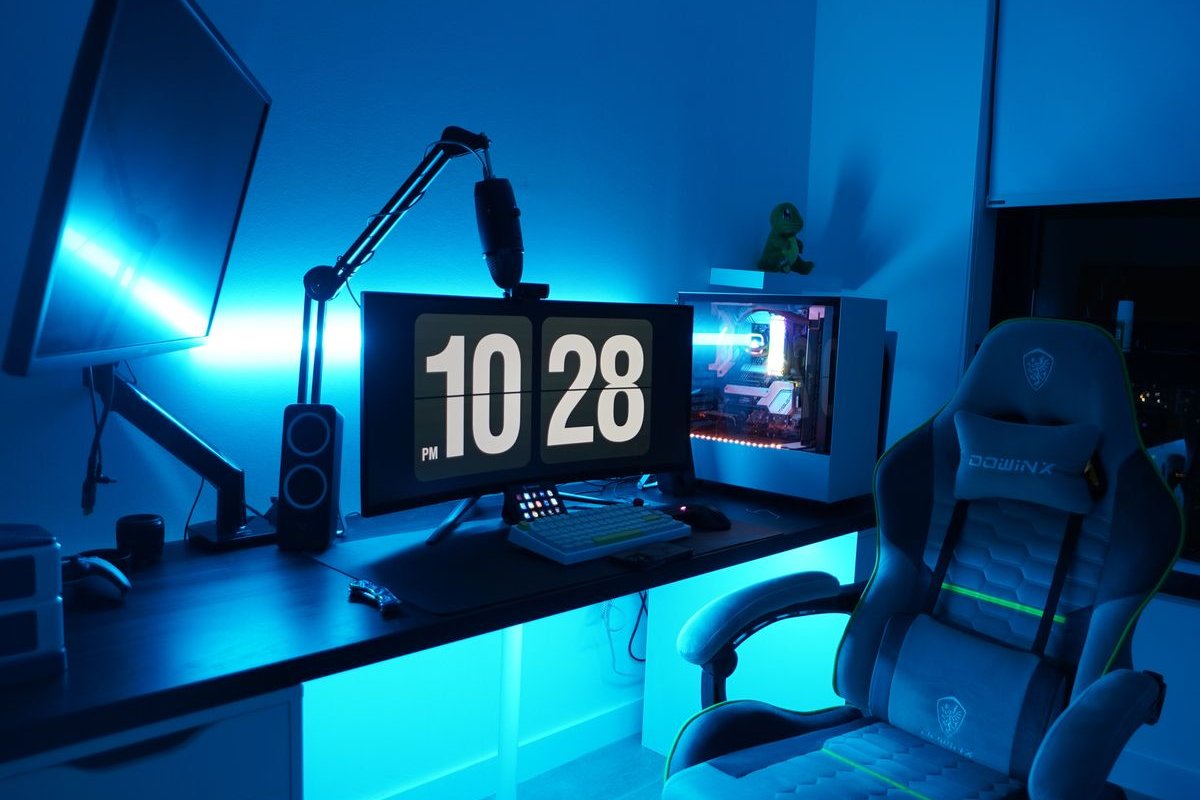
The glow is not just decoration: bias lighting behind the screen reduces eye strain in a dark room. A USB LED strip ($9–$15) sticks to the back of the monitor or along the desk’s rear edge, plugs into the console or PC, and makes a $300 corner look like a $1,000 setup in photos. Run the strip’s own cable inside your cable tray so the magic has no visible wires.
12. Claim a Corner With a Small L-Shaped or Corner Desk
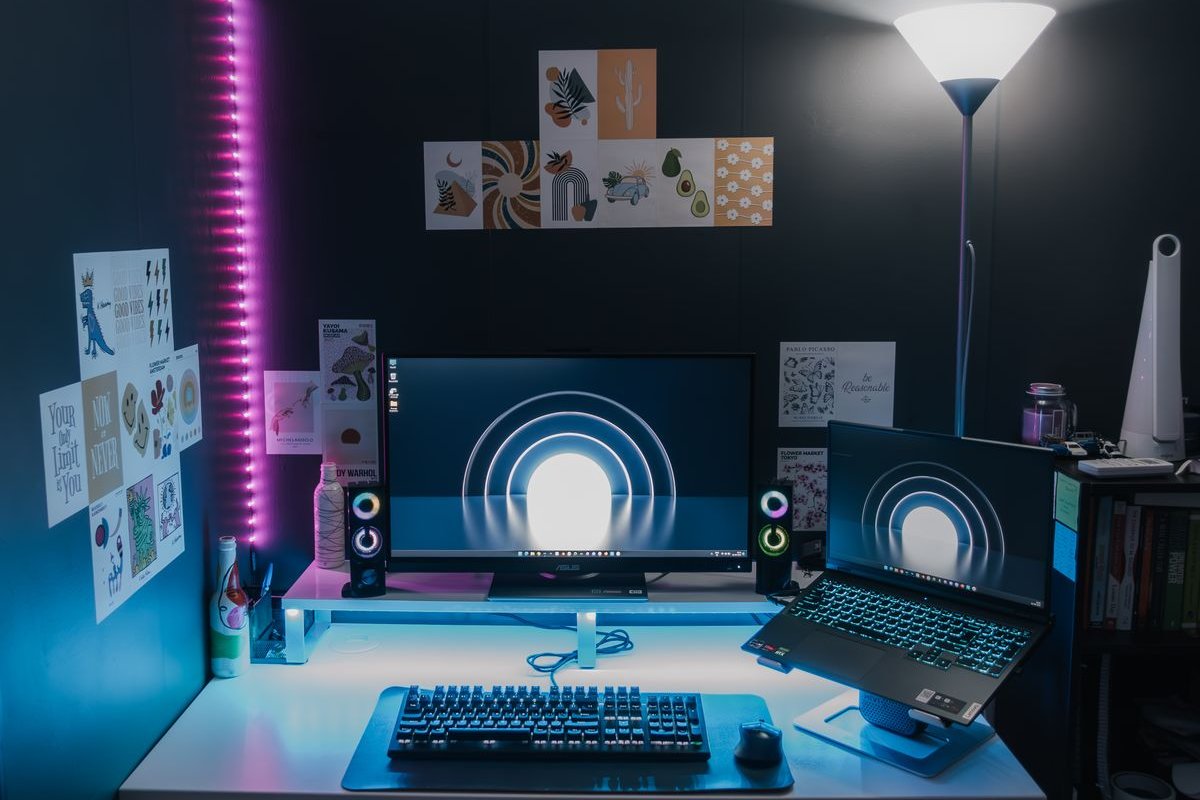
If the setup shares a bedroom or studio, a corner desk ($80–$150) claims the least-used square footage in the room and naturally separates “game space” from “sleep space.” In a studio apartment, this zoning trick matters even more — it is the same principle behind our studio apartment organization ideas. Measure your chair’s pull-back space before ordering.
13. Keep a Snack-and-Drink Caddy Off the Desk
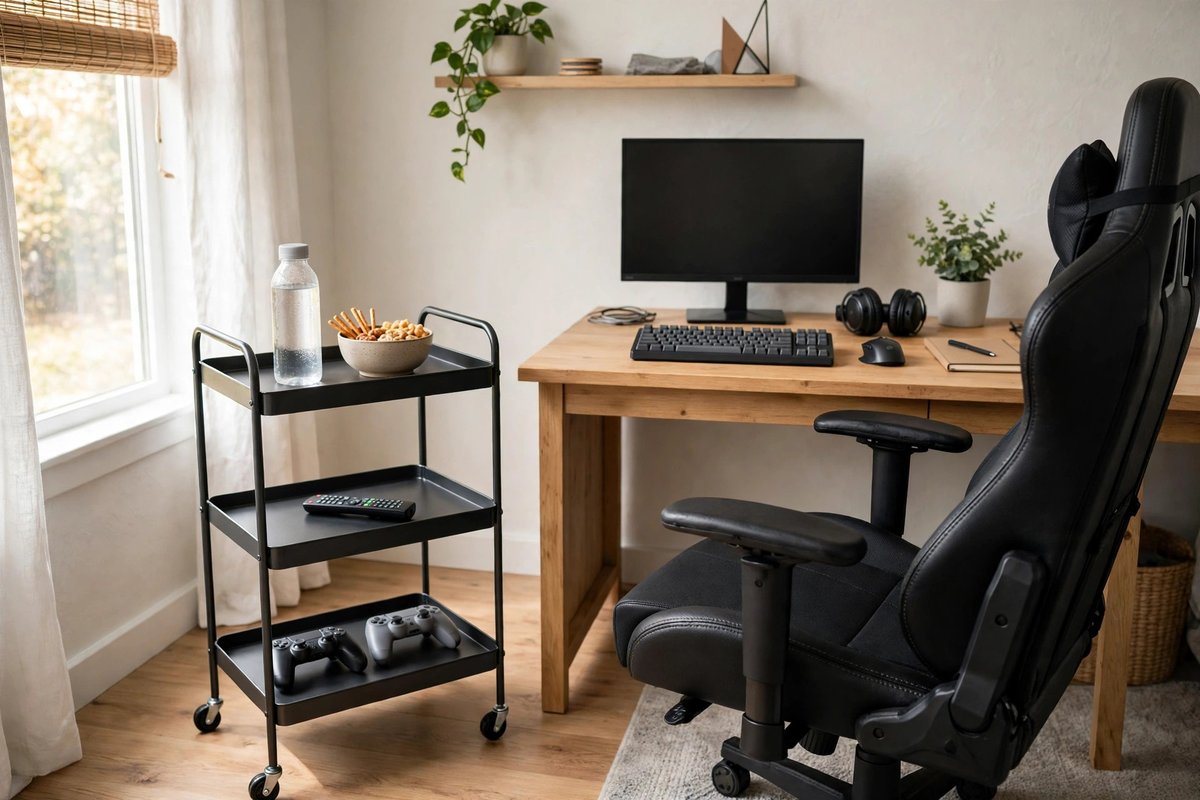
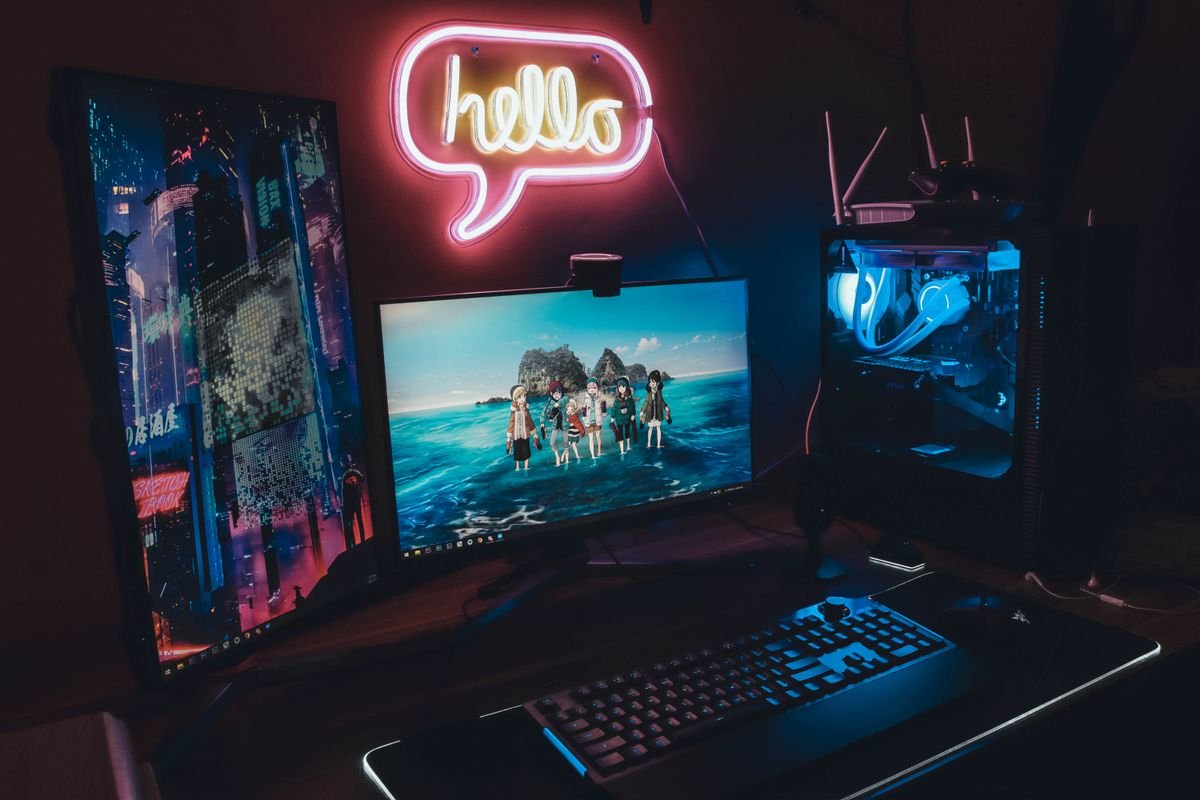
Cups on the desk are how keyboards die. A small rolling cart or side caddy ($15–$25) parked beside the chair holds drinks, snacks and remotes — close enough for a loading screen, far enough that a spill never reaches the gear. A cup holder that clamps to the desk edge ($10) is the budget version of the same idea.
14. Finish With a “Reset in 5” Rule
The best-organized setups stay that way because of a habit, not a product: when you log off, take five minutes — controllers on the dock, headset on the hook, bin closed, chair pushed in. It is the gaming version of the nightly reset we recommend in our home office small space ideas — and it means your setup always looks like the “after” photo.
What to Avoid
- Blocking console vents. No closed cabinets without airflow, no blankets or cases against the vents. Overheating shortens your console’s life and makes the fan scream.
- Daisy-chaining power strips. One strip, plugged into the wall, rated for the load. Two strips chained together is a genuine fire risk.
- Buying décor before storage. RGB strips on a messy desk just light up the mess. Cables, dock and bin first — glow second.
- Cheap adhesive mounts on rented walls. Use clamp-on hooks and stands, or check the weight limit before trusting any adhesive strip with a controller.
- A desk that’s too small for your monitor distance. If your face is 12 inches from a 27-inch screen, no organizer will save the setup. Measure first.
FAQ
How much space do I need for a small gaming setup? A 40-inch desk in a corner is enough for a monitor, console and the storage in this list. The pegboard and shelves mean the wall does most of the work.
How much does a basic gaming setup organization cost? The core fixes — cable box, controller dock, headset hook and one storage bin — come to roughly $50–$75 total. Add pieces like the riser and shelves later.
Is this renter-friendly? Yes. Clamp-on trays and hooks, stands and bins need no drilling. Only the floating shelves and pegboard may need wall anchors — check your lease first.
Will these ideas work for a PC setup too? Almost all of them. Swap the console stand for a PC tower floor stand (never carpet — it chokes the intake fans), and the same cable, dock and shelving ideas apply.
The Bottom Line
A great small gaming setup is not about the size of the room — it is about cables with a home, gear that can breathe, and a corner that resets in five minutes. Start with the cable box and the controller dock this week, and your setup will already look twice as expensive as it is.
Enjoying these ideas?
Get our free 7-Day Small Home Reset Checklist and one practical small-home idea every week.